What's OIDC/SAML?
SAML and OIDC are two identity protocols that authenticate users, transmit data, and provide access control information and a communication method for a user's ID. SAML is most commonly utilized by businesses to allow customers to access paid services, whereas OIDC is best suited for mobile and single-page web applications.
OIDC
OIDC is an open authentication protocol built on top of the OAuth 2.0 authorization framework. It delegates authentication to identity providers such as Google and FusionAuth to verify identities, while defining how an identity provider communicates with a relying party (or the platform providing services) to authenticate an entity (or end user).
OIDC uses tokens known as JSON Web Tokens (JWTs), with which applications can authenticate identities and access data from another application or service. It supports the single sign-on (SSO) mechanism, which is used by most engineers to authenticate a user across several platforms. This can be handled by services like FusionAuth, which provides out-of-the-box features such as SSO for quicker authentication. OIDC works with web-based, mobile, and JavaScript clients.
What Is SAML?
SAML, just like OIDC, is an authentication protocol that enables secure communication between service providers and identity providers. It uses Extensible Markup Language (XML) for sharing data. SAML also supports SSO authentication, but unlike OIDC, it only works with XML syntax.
OIDC by Google
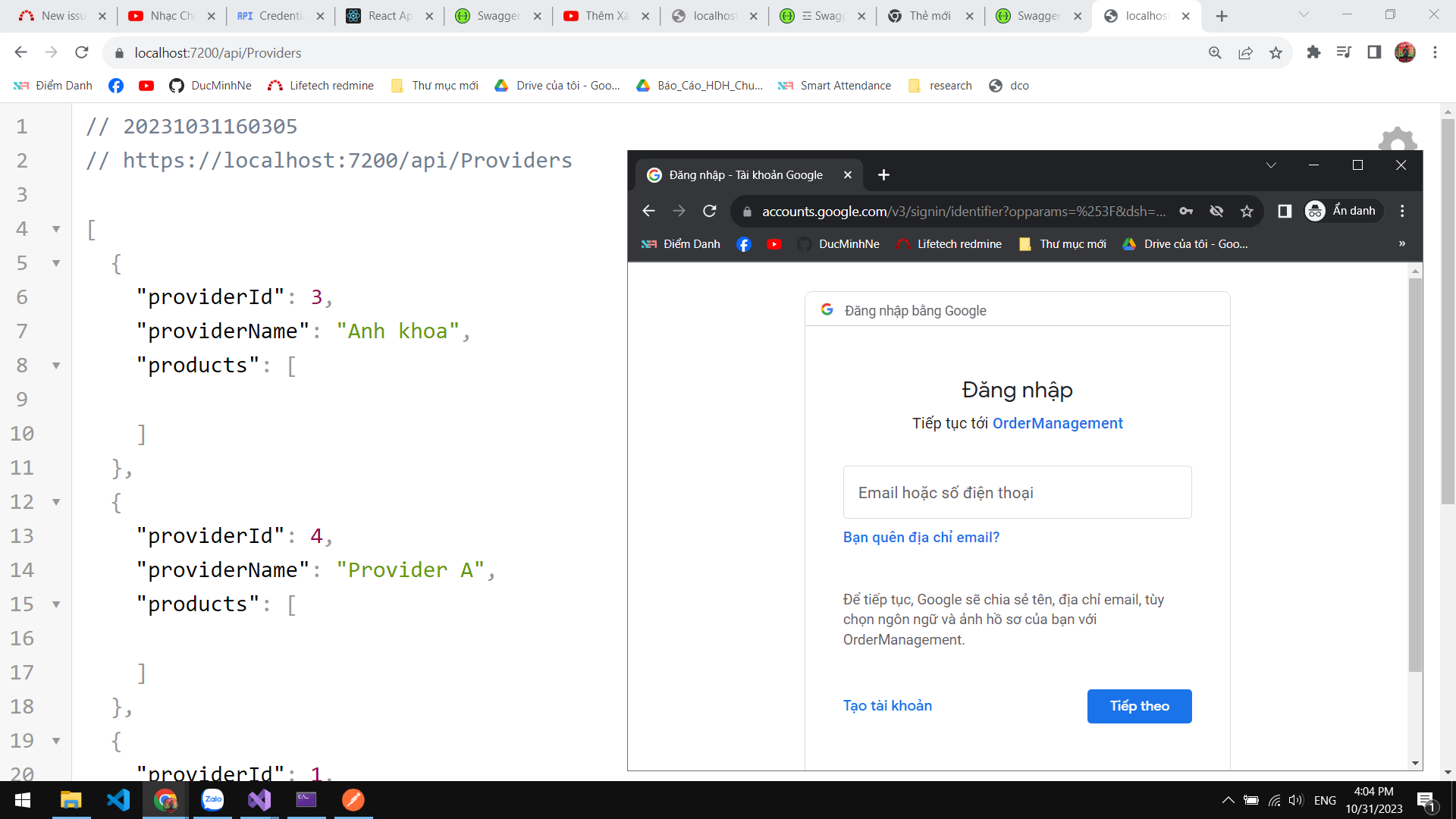
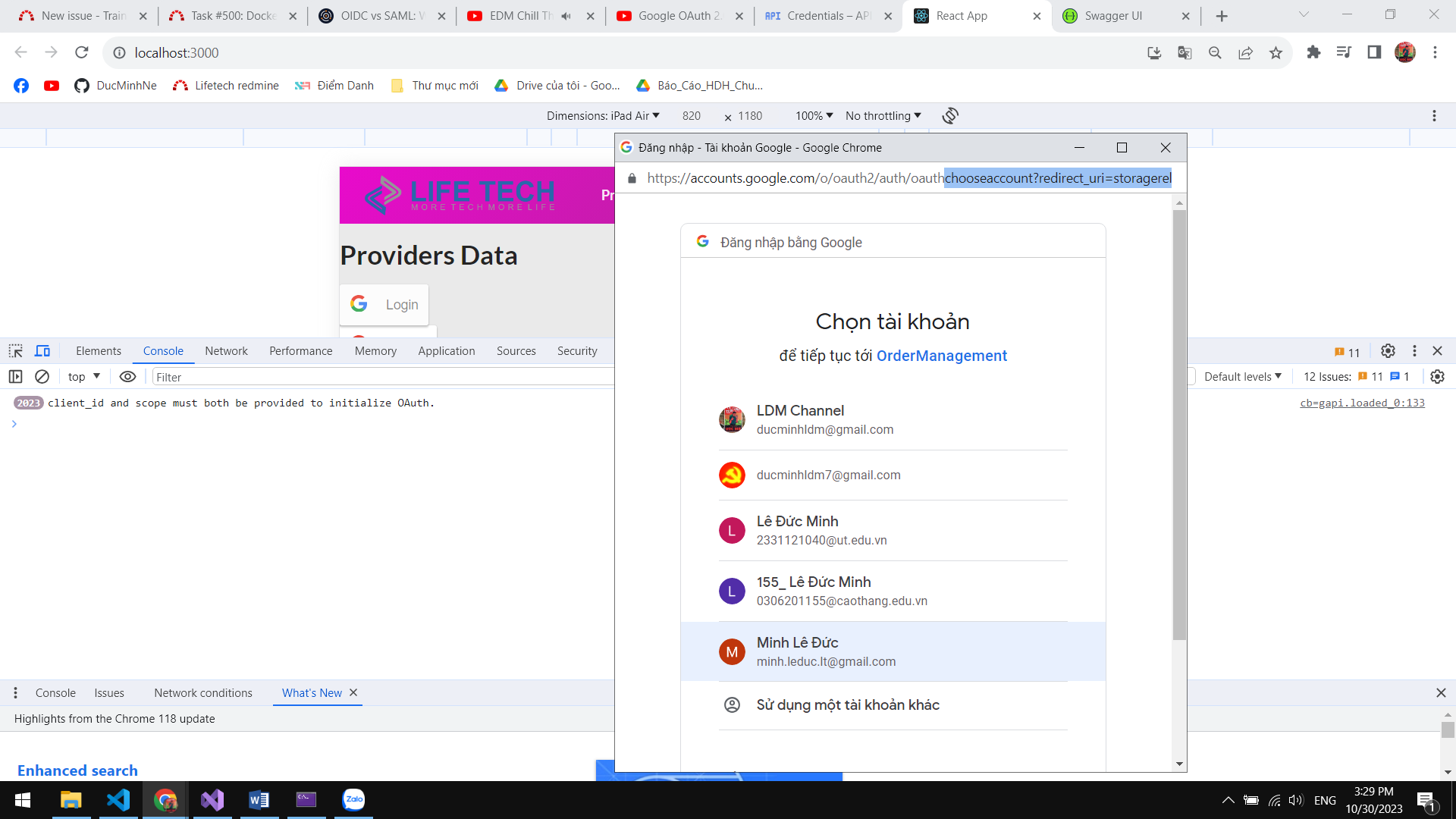
OIDC, or OpenID Connect, is an identity layer built on top of the OAuth 2.0 protocol. It is designed to provide user authentication and authorization for web and mobile applications. While OIDC is a standardized protocol, Google, like many other identity providers, supports it for enabling secure authentication and single sign-on (SSO) in various applications and services.
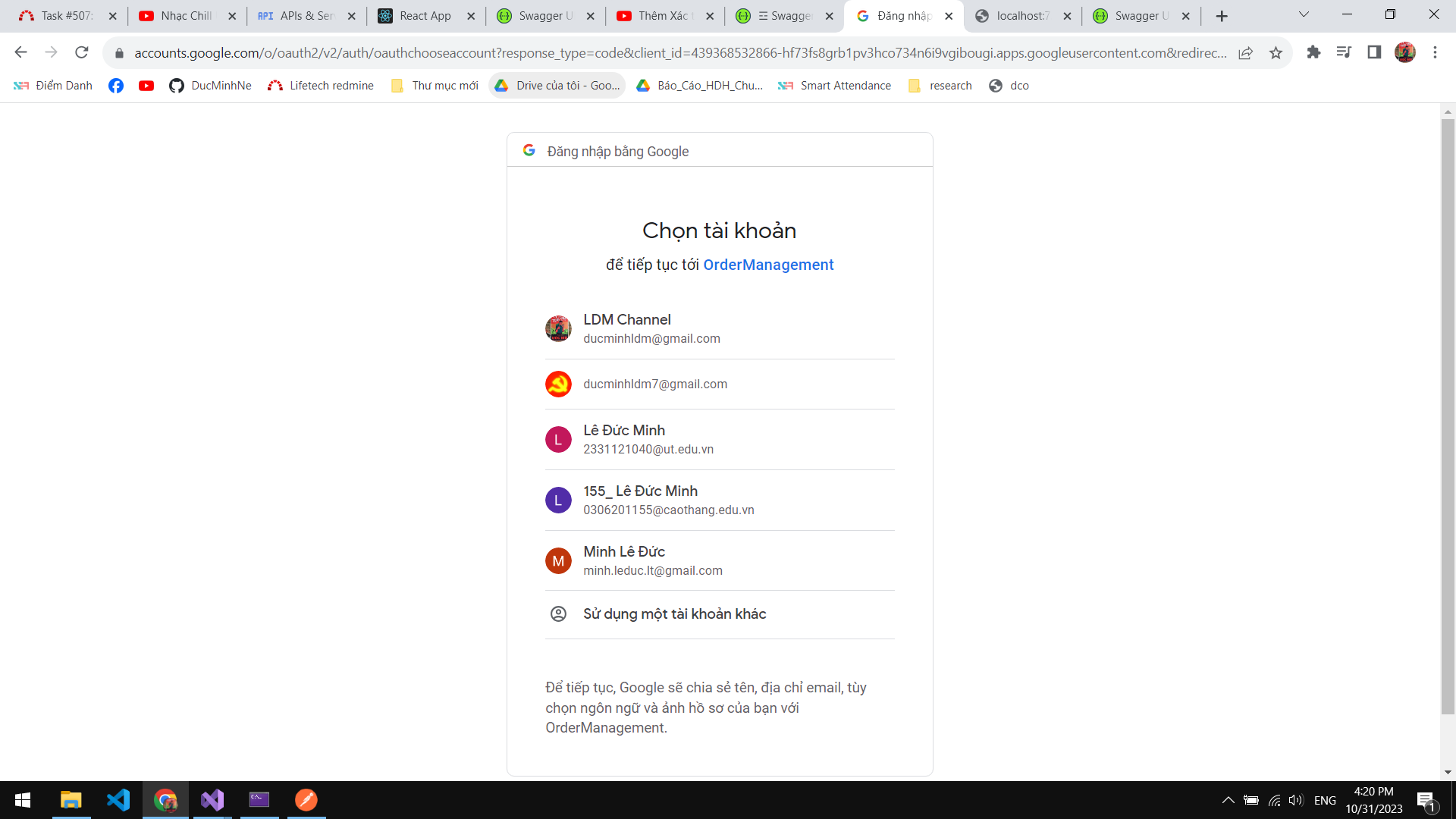
When you refer to "OIDC by Google," you are likely talking about Google's implementation of OpenID Connect for authentication and identity verification. Google allows developers to integrate OIDC with their applications and services to enable users to sign in using their Google credentials or to use Google as an identity provider for SSO. This is commonly used in web and mobile applications to simplify user authentication and enhance security.
Using OIDC by Google, developers can leverage Google's authentication system to verify the identity of users and access their profile information, all while maintaining the security and privacy of user data. This can be particularly useful when building applications that require user authentication and want to give users the option to sign in with their Google accounts.
When to use OIDC and When to use SAML ?
Use OIDC if:
When you need to authenticate and manage users in a web or mobile application.
For cross-platform applications, including both web and mobile, as OIDC effectively supports both environments.
When you want to integrate with external authentication providers like Google, Facebook, and other identity providers.
To ensure the security of the authentication process, including access tokens and ID tokens.
Use SAML if you need to:
Integration with legacy systems that exclusively support SAML is required.
Complex authentication needs, like multi-factor authentication or role-based access control, must be accommodated.
Extensive data exchange between the identity provider (IdP) and the service provider (SP) is necessary.
Adherence to stringent security standards is mandatory.